In today’s digital world, the internet has become an essential part of our daily lives. We use smartphones, computers, online banking, digital payment apps, social media, and online shopping platforms for personal and professional activities. However, increasing digital usage also brings risks such as online fraud, phishing attacks, identity theft, fake websites, and financial scams.
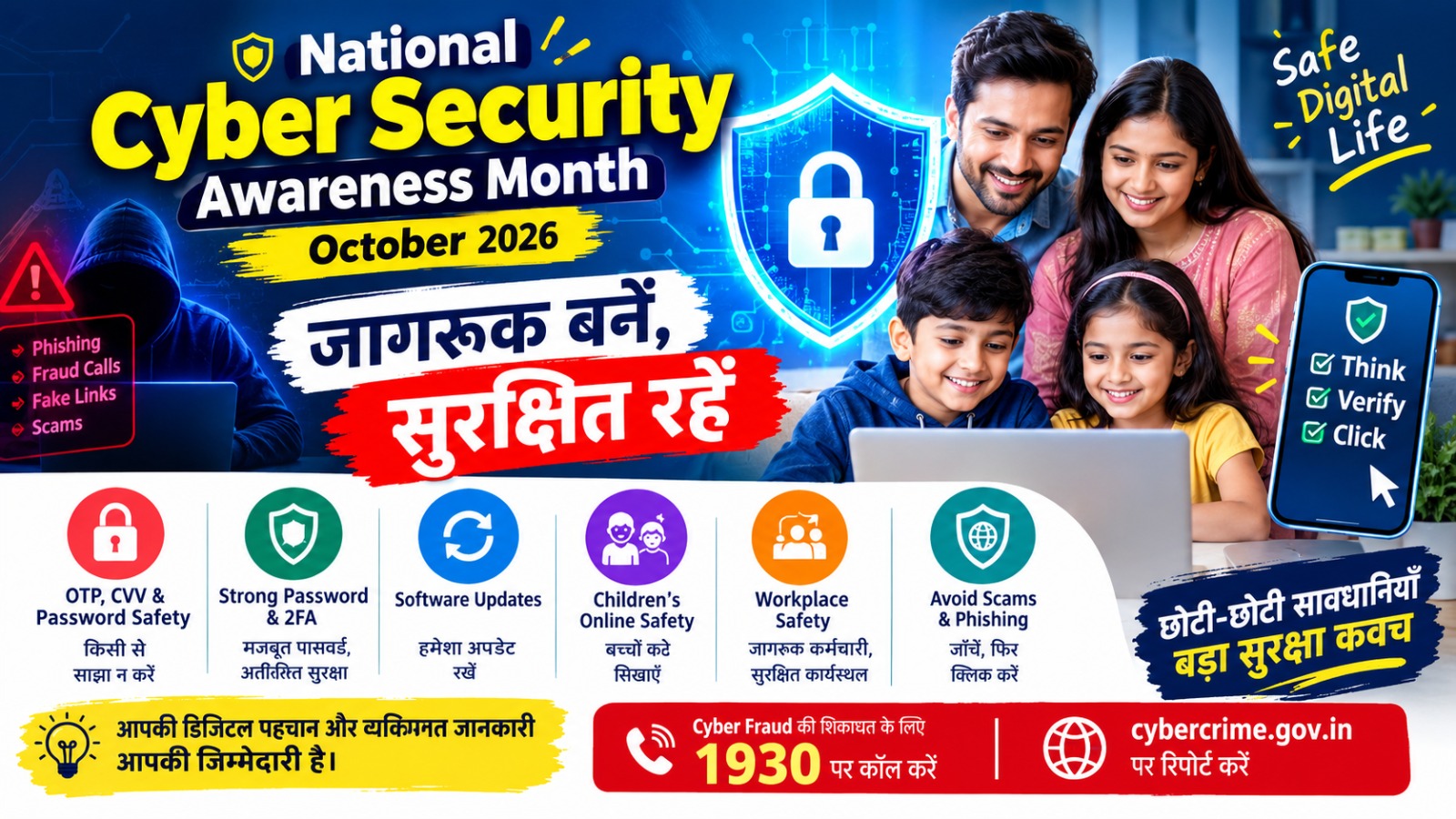
October is observed as Cybersecurity Awareness Month, encouraging individuals, families, students, and businesses to adopt safer online habits.
Cybersecurity is not only the responsibility of IT professionals. Every internet user can take simple steps to protect personal information, financial details, and digital identity.
Let’s explore 10 important cybersecurity tips everyone should follow.
- Never Share Your OTP, CVV, or Banking Password
One of the most common online fraud techniques involves tricking people into sharing confidential banking information.
Remember:
Never share your OTP with anyone.
Never disclose your debit or credit card CVV or PIN.
Do not share your internet banking password.
Be careful of callers pretending to be bank employees, customer care agents, or government officials.
Never enter banking details on suspicious websites.
Important tip: A genuine bank or payment provider should not ask you to reveal your OTP, PIN, or password over a call or message. - Create Strong and Unique Passwords
Weak passwords make it easier for cybercriminals to access online accounts.
Follow these practices:
Use long passwords or passphrases that are difficult to guess.
Use different passwords for different accounts.
Avoid using your name, date of birth, or mobile number as a password.
Consider using a trusted password manager.
Never share passwords through unsecured messages.
A strong password is an important first step in protecting your digital identity. - Enable Two-Factor Authentication
Two-factor authentication (2FA), also called multi-factor authentication (MFA), adds an extra layer of security to your online accounts.
Even if someone discovers your password, an additional verification step can help prevent unauthorized access.
Enable this feature wherever available, especially for:
Email accounts
Social media accounts
Online banking and financial services
Business accounts
Cloud storage and important work platforms
Use authenticator apps or passkeys where supported, and protect your recovery methods carefully. - Keep Your Mobile Phone and Computer Updated
Software updates often include important security fixes that protect your device against known vulnerabilities.
To improve device security:
Install operating system updates.
Update your browser and mobile applications.
Download apps only from trusted sources.
Remove applications you no longer use.
Enable automatic updates when practical.
Avoid ignoring security update notifications for long periods. - Identify Fake Links, Messages, and Websites
Phishing is a technique used by scammers to trick people into revealing personal information or installing harmful software.
Be cautious of messages claiming that:
Your bank account will be blocked immediately.
You have won a prize or lottery.
Your parcel is waiting for payment.
Your electricity connection will be disconnected.
You must click a link to receive money or complete KYC verification urgently.
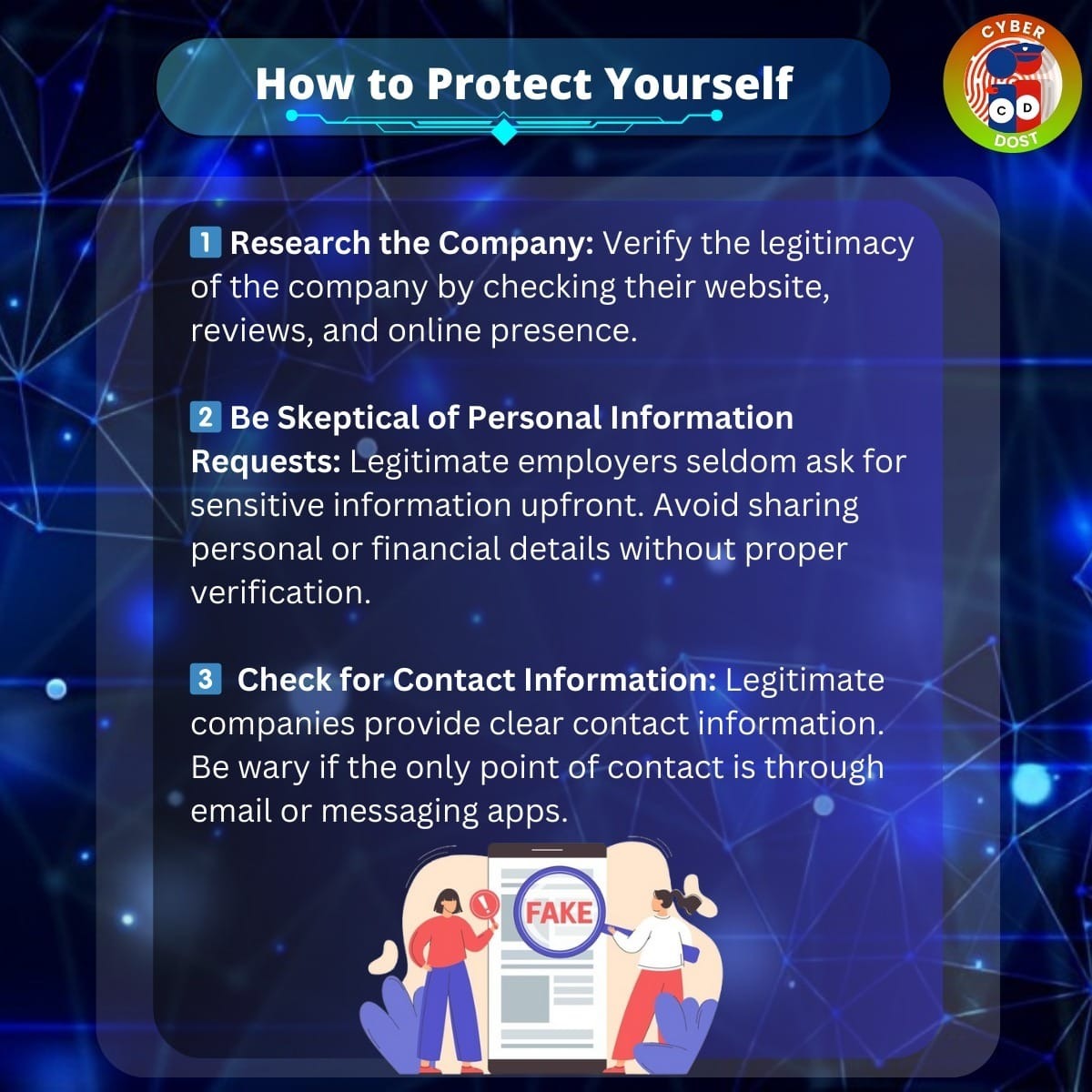
Always verify such claims using the organisation’s official website, app, or independently verified contact details.
Remember: Never click suspicious links just because a message looks urgent or comes from a familiar-looking account. - Use Secure Internet Connections
Public Wi-Fi at airports, hotels, cafés, and other locations can carry security risks.
For safer browsing:
Avoid accessing sensitive accounts over untrusted public Wi-Fi.
Use mobile data for sensitive transactions when possible.
Verify the website address before entering personal information.
Use trusted security tools and a reputable VPN when appropriate.
Never ignore browser warnings about suspicious or unsafe websites.
A website using HTTPS provides an encrypted connection, but it does not automatically mean the website itself is trustworthy. - Protect Children from Online Risks
Children use the internet for learning, entertainment, gaming, and social interaction. They should also learn how to recognise online risks.
Parents and guardians can help by:
Teaching children not to share their address, school details, passwords, or phone number with strangers.
Using age-appropriate parental controls.
Keeping communication open about online experiences.
Discussing cyberbullying, fake profiles, and online grooming.
Encouraging children to report uncomfortable or suspicious interactions.
Setting healthy screen-time and privacy rules.
Children should understand that they can always ask a trusted adult for help without fear of being blamed. - Be Careful with QR Codes and Digital Payments
QR codes make digital payments convenient, but scammers may misuse them to trick users.
Follow these precautions:
Verify the recipient’s name before approving a payment.
Remember that scanning a QR code and entering your UPI PIN to send money is not required to receive money.
Never approve an unexpected collect request.
Do not install screen-sharing or remote-access applications at the request of unknown callers.
Check transaction notifications and bank statements regularly.
If a payment request seems unusual, stop and verify it before proceeding. - Secure Your Social Media and Business Accounts
Social media accounts are valuable for individuals, creators, and businesses. Losing access can damage reputation, privacy, and customer trust.
Protect your accounts by:
Enabling two-factor authentication.
Using a strong, unique password.
Reviewing account recovery details.
Checking logged-in devices and active sessions.
Avoiding unknown attachments and suspicious direct messages.
Limiting who can view your personal information.
Assigning business account permissions only to trusted people.
Businesses should also maintain secure backups and prepare a recovery plan for compromised accounts. - Report Cybercrime Quickly in India
If you become a victim of online financial fraud, act quickly. Prompt reporting may help authorities and financial institutions respond before further losses occur.
In India:
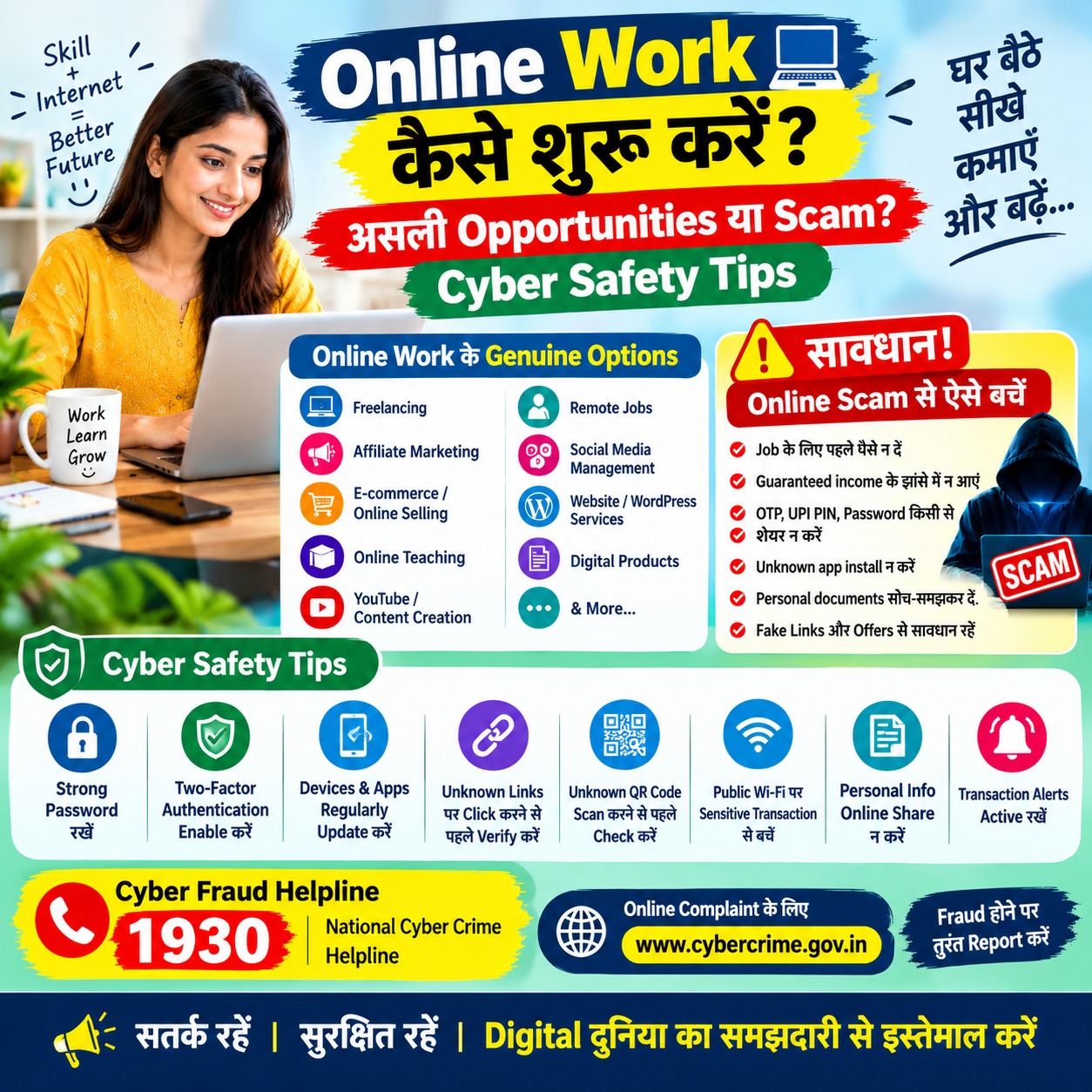
Cybercrime helpline: Call 1930 for reporting financial cyber fraud.
Online reporting portal: Visit https://www.cybercrime.gov.in
Contact your bank or payment provider immediately if a suspicious or unauthorised transaction occurs.
Preserve transaction IDs, screenshots, phone numbers, messages, and other evidence.
Never pay someone who promises guaranteed recovery of your lost money.
The 1930 helpline is particularly important for financial cyber fraud. For emergencies or other crimes, use the appropriate official police reporting channel.
Why Cybersecurity Awareness Matters
Cybersecurity awareness helps people make better decisions before clicking a link, sharing information, installing an app, or making an online payment.
Individuals can protect their privacy. Parents can help children use the internet more safely. Businesses can protect customer information and maintain digital trust.
Even small habits, such as checking a website address or enabling two-factor authentication, can make a meaningful difference.
Frequently Asked Questions (FAQs) - What is Cybersecurity Awareness Month?
Cybersecurity Awareness Month is observed in October to encourage safer online behaviour and improve awareness of cyber threats. - What should I do if someone asks for my OTP?
Never share it. Stop the conversation and independently verify the request through the official service provider. - What is two-factor authentication?
It is an additional security step that helps verify your identity when you sign in to an account. - How can I report online financial fraud in India?
Call 1930 as soon as possible and submit a report through the official National Cyber Crime Reporting Portal at https://www.cybercrime.gov.in. - How can parents improve children’s online safety?
Use age-appropriate controls, teach children about privacy and suspicious contacts, and encourage them to speak openly about uncomfortable online experiences. - Are strong passwords enough to protect online accounts?
Strong, unique passwords help, but they should be combined with two-factor authentication, software updates, and careful handling of suspicious links. - Can QR codes be used in online scams?
Yes. Fraudsters can use QR codes to direct people to fake websites or trick them into authorising payments. Always verify the recipient and transaction details.
Conclusion
Cybersecurity begins with awareness and continues through everyday habits. You do not need to be a technology expert to protect yourself online.
This Cybersecurity Awareness Month, take a few minutes to update your devices, strengthen your passwords, enable two-factor authentication, educate your family, and learn how to report cybercrime.
Think before you click. Verify before you trust. Protect before you share.
Share these tips with your family, friends, colleagues, and community. A safer digital India begins with informed internet users.
Cybercrime helpline: Call 1930 for reporting financial cyber fraud.
Online reporting portal: Visit https://www.cybercrime.gov.in